
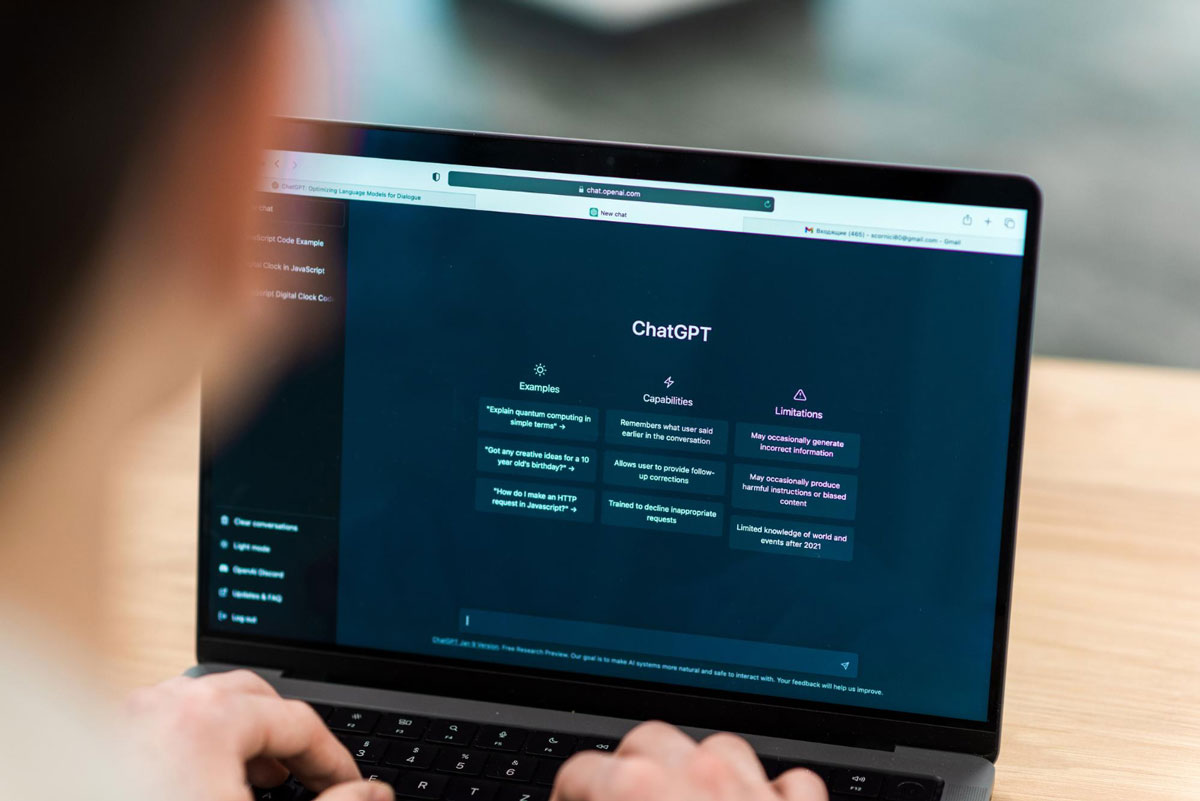
Microsoft has placed itself at the forefront of AI research. They’ve integrated AI technology into products like Dynamics 365, Teams, Power Platform, and Microsoft 365. Microsoft and Chat GPT are designed to benefit users at every level of an organization.
Recent Posts
The popularity of Microsoft’s on-premises Dynamics ERP and CRM applications is a testament to their quality and resiliency. However, that has led to hesitation among some organizations regarding embracing Microsoft’s newer technological advances, like Dynamics 365.
Topics: Microsoft Dynamics

Microsoft showed its commitment to using artificial intelligence through its partnership with OpenAI. At this point, they’re most well-known as the creators of ChatGPT. The company’s Dynamics 365 release wave 1 plan showed how Microsoft would introduce hundreds of AI capabilities within their enterprise resource planning (ERP) solutions. Project managers stand to benefit significantly from Copilot by using AI in project management.
Topics: Project Management
.jpg)
The term “metaverse” has become synonymous with gaming and virtual reality in recent years. It’s hard for a lot of people to understand how to apply the concept to everyday life in a practical way. It helps to think of the metaverse as a movement versus a specific market niche. The industrial metaverse leverages immersive technology in the cloud to redefine how people and machines work together. Microsoft looks to embrace the promise of the industrial metaverse to improve how the world functions.
Topics: Dynamics 365

For years, Dynamics AX’s robust enterprise resource planning (ERP) capabilities provided enterprise users the tools to manage critical business functions like finance, e-commerce, retail, and project management. As the landscape continues to evolve with the introduction of new technology, Microsoft sees Dynamics 365 as the future of ERP solutions.
Topics: Dynamics 365

Today’s fast-paced business landscape makes efficient warehouse management more critical than ever. Companies looking to remain competitive can’t afford to get bogged down in traditional manual processes. They’re often error-prone and slow, leading to a lot of wasted time, money, and resources.
Topics: Dynamics 365

Microsoft Dynamics 365 has consistently recognized the need to allow businesses to learn everything they can about their customers. The Customer Insights platform provides customer service representatives and their managers with AI and analytics tools that help them make decisions to boost customer satisfaction. These features were made available within the Dynamics 365 Customer Service module.
Topics: Microsoft Dynamics

Salespeople would love to spend most of their time engaging with customers and helping them find a product that makes them happy. In reality, a lot of the sales day is taken up with administrative tasks that involve a lot of data entry into a CRM and email composition. That’s time lost that could be used to meet new customers.
Topics: Microsoft Sales

Sellers must focus on building customer relationships and getting the information necessary to close a deal. Because of the time it takes to complete administrative tasks, sellers often spend less than 40% of their time selling. Instead, salespeople spend most of the day composing emails and ensuring they’ve accurately updated the business customer relationship management (CRM) system.
Topics: Microsoft Dynamics

After introducing new AI advances within the Dynamics environment during Wave 1, Microsoft continues to expand its use of AI as the company rolls out Dynamics 2023 release wave 2. This phase introduces new and enhanced features for Dynamics 365, Viva Sales, and the Supply Chain platform. Users should see updates rolling out between October 2023 and March 2024. There are new innovations designed to provide organizations with the capabilities needed to transform how they do business.
Topics: Dynamics 365