

Each year, the Microsoft Dynamics and Power Platform teams release documents that cover features coming in waves throughout the coming year. The company released documentation for the 2022 Wave 1 Release covering both platforms. In addition, Microsoft provided additional details about new updates coming to its vertical Industry Clouds.
The ongoing supply crunch continues to impact many aspects of our lives. Whether you’re frustrated at efforts to obtain the latest video game system or a housing builder unable to get hold of critical supplies, it may seem like there’s no end to the global supply chain problem. Microsoft Dynamics 365 Supply Chain Management provides organizations with a full-scale supply chain management solution.
Topics: Dynamics 365

The way your organization handles customer service directly affects the public perception of your company. For that reason, your agents must have access to technology capable of helping them provide an ideal experience for customers while making agents more efficient.
Topics: Dynamics 365

Microsoft AX is an ERP solution designed to assist companies in organizing and automating business processes. However, with Microsoft ending support for Dynamics AX in 2021, you may be looking to transition your ERP services over to Dynamics 365.
Topics: Dynamics 365

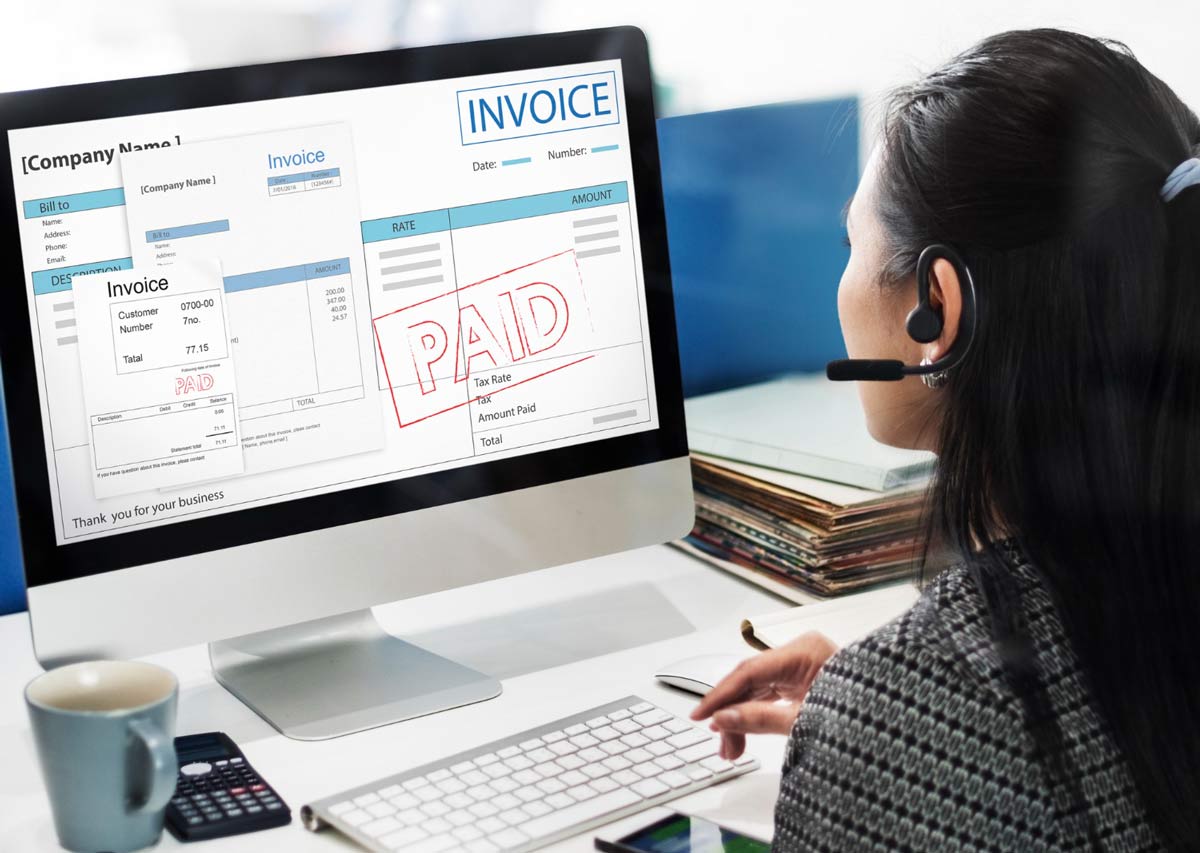
Invoice management is a major part of business. Getting your invoices paid on time is essential to ensuring you don’t end up with liabilities that lead to problems with your vendors. However, as your company grows, getting all your invoices handled on time can take more time. The Accounts Payable (AP) automation capabilities within Dynamics 365 help you speed up invoice processes.
Topics: Dynamics 365
Good marketing is key to helping companies generate enough demand to increase revenues. Dynamics 365 for Marketing helps organizations turn potential prospects into solid business relationships. One of the best things about all Dynamics 365 Marketing is how easy it is to use. In addition, the platform offers the best marketing automation software for Microsoft Dynamics CRM. You can use the embedded intelligence within both applications to encourage engagement and turn leads into regular clients.
Topics: Dynamics 365

Organizations can use workflows in Dynamics 365 Business Central to connect business process tasks performed by individual users. System administrators can also set up workflows to perform automatic functions alongside manual user tasks. There are a number of pre-configured workflow templates available within Business central to modify as needed. If there is no workflow available for a specific business scenario, you can coordinate with a Microsoft partner to configure custom application code. An example of that would be a function that can execute a workflow from JavaScript in Dynamics 365.
Topics: Dynamics 365

You can easily migrate your on-premises data to a Dynamics 365 instance using the built-in tools that come with the platform. If you’re switching to a cloud instance of your software, you can take advantage of capabilities like Power BI, Machine Learning, and other features. In addition, you can move information from Excel files, SQL Server instances, and other data stores. This guide covers using the Dynamics 365 Business Central data migration utility.
Topics: Dynamics 365

When working with a Dynamics 365 app, it helps to set up your workspace so that the info you need is there as soon as it opens. You can do that by creating dynamic views within your specific instance of Dynamics 365. This guide goes over creating dynamic views within various Dynamics 365 applications. In addition, this article touches on changing the look of reports and documents that you can easily pull and display within your workspace.
Topics: Dynamics 365

Dynamics 365 seamlessly integrates with other Microsoft offerings, letting you configure settings to work with social media or add plugins to work with popular ecommerce platforms. That way, you can truly create a comprehensive platform that helps retailers unify control over back-office functions along with in-store, digital, and call-center experiences. Of course, that’s also convenient for retailers who already have a preferred ecommerce solution. Below are some ideas on integrations you might wish to use with Dynamics 365 applications.
Topics: Dynamics 365